
About Course
🚀 Microsoft Office – Main Tools
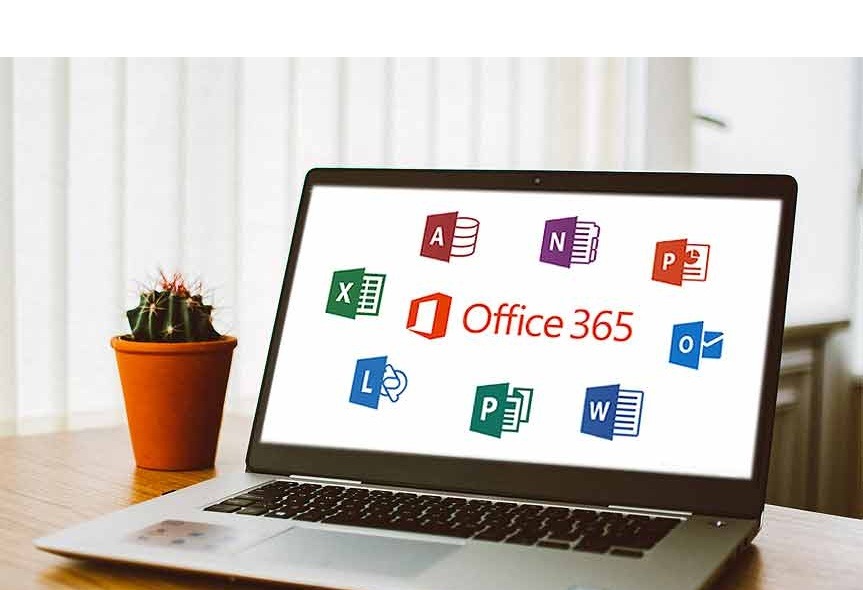
Microsoft Office is a powerful software suite used in schools, offices, and businesses to create documents, manage data, make presentations, and communicate effectively.
📝 Microsoft Word
📌 Purpose: Document Creation
Microsoft Word is used to create and edit documents such as letters, reports, assignments, and resumes. It also provides tools for formatting text, inserting images, and designing professional documents.
📊 Microsoft Excel
📌 Purpose: Data Management & Calculations
Microsoft Excel is used to organize data in spreadsheets, perform calculations using formulas, and create charts for data analysis.
🎤 Microsoft PowerPoint
📌 Purpose: Presentation Creation
Microsoft PowerPoint helps users create professional presentations using slides, animations, images, and videos.
📧 Microsoft Outlook
📌 Purpose: Email & Communication
Microsoft Outlook is used for sending and receiving emails, managing contacts, scheduling meetings, and organizing calendars.
🗂 Microsoft Access
📌 Purpose: Database Management
Microsoft Access is used to store, organize, and manage large amounts of data through databases.
📓 Microsoft OneNote
📌 Purpose: Digital Note-Taking
Microsoft OneNote allows users to take notes, organize ideas, and store information digitally.
🎨 Microsoft Publisher
📌 Purpose: Graphic & Print Design
Microsoft Publisher is used for designing brochures, flyers, newsletters, posters, and marketing materials.
⭐ Conclusion:
Microsoft Office tools help improve productivity and make everyday tasks easier in education, business, and professional work.
Course Content
Microsoft Full Course
-
Lesson #01
31:36 -
Lesson #02
36:55 -
Lesson #03
40:58 -
Lesson #04
00:00 -
Lesson #05
00:00 -
Lesson #06
00:00 -
Lesson #07
00:00 -
Lesson #08
00:00 -
Lesson #09
00:00 -
Lesson #10
00:00 -
Lesson #11
00:00 -
Lesson #12
00:00 -
Lesson #13
35:06 -
Lesson #14
35:14
Student Ratings & Reviews